
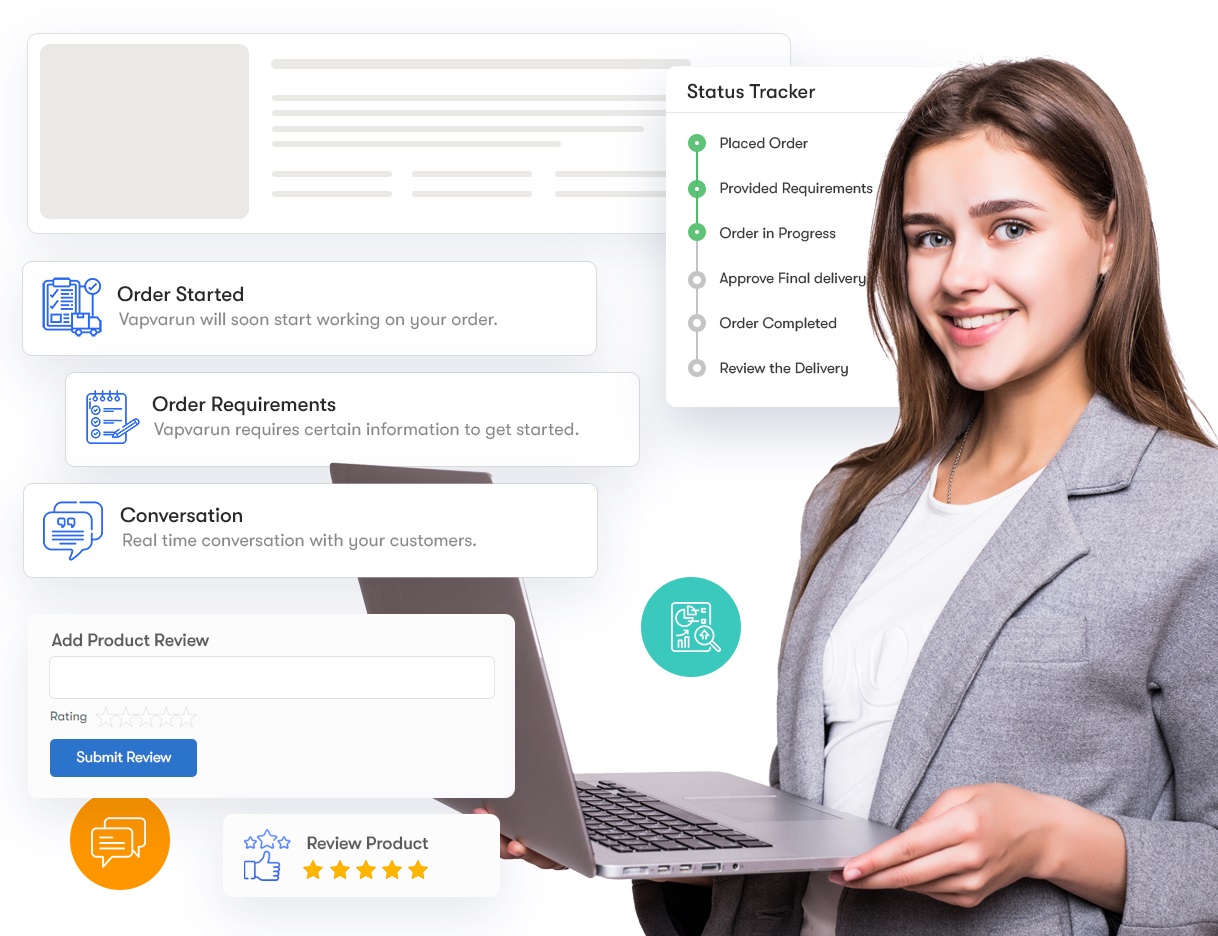
Freelance Plugin for WooCommerce

Lightweight Freelance Plugin for WooCommerce

A lightweight Freelance Plugin that works with WooCommerce to help freelancers showcase their services, and customers post jobs to hire them remotely. Since COVID began, the demand for online freelancing has increased tremendously, creating a demand to work remotely and online.

There is a multi-vendor plugin called WC Vendor Pro, and since this plugin does what it is supposed to do, now all you need is to create a Freelance Plugin that can work with it flawlessly. Therefore, there is no need to create the entire workflow for a Multi Freelancers plugin for customers to post their projects and freelancers to bid on them, just like Fiverr, Guru, eLance, etc., but this time using the mighty WooComemrce!

How to STOP Spam Accounts for WordPress and WooCommerce

If you are not using WooCommerce, go to the WordPress backend > Settings > Scroll to see Membership, uncheck Anyone Can Register, and choose New User Default Role as Subscriber.
And SAVE.

Forward all those links below in RED to /wp-login.php/ using the https://redirection.me/ free plugin.

If you use WooCommerce, most fake spam accounts are created from the My Account page. However, you do not need the registration option on that page if you aim only to sell products because customers can also create their accounts on the checkout page. The My Account page can only be used for customers to log in. The My Account link will look like this: https://yoursite.com/my-account/

From your WordPress backend, go to WooCommerce > Settings > Accounts & Privacy.

Checkmark: Allow customers to create an account during checkout
Uncheck: Allow customers to create an account on the “My Account” page
And SAVE.

This will stop all spam accounts created by spambots or human spammers through the My Account page since the account registration option is no longer available there.

Once you disable My Account page registration, desperate spammers may want to use WordPress default links and pages to register fake spam accounts. To prevent that, you must forward all those links to the My Account page so spammers can land on it regardless of what link they visit. You can do all that forwarding by downloading and installing a free plugin called https://redirection.me/

Please fully back up your website before installing https://redirection.me/ because plugins may conflict with one another to harm your website. Please note that this article is only informational to help you stop fake spam accounts on your WordPress website, and we take no responsibility. The forwarding free plugin https://redirection.me/ is a third-party plugin and one of the most used plugins; we have no affiliation.

Once the forwarding plugin https://redirection.me/ is installed on your website, forward all the links below in RED to your My Account page, and it will look like this: https://yoursite.com/my-account/

/wp-login.php?registration/

/wp-login.php/

/wp-login.php?redirect_to=https://yoursite.com/wp-admin/

/wp-login.php?redirect_to=https://yoursite.com/wp-admin/index.php&reauth=1/

/register/

/wp-login.php?action=login/

/wp-admin/

/wp-login.php?action=register/

/wp-login.php?loggedout=true/

DONE. Now, spamBot or spammers cannot create spam accounts automatically or manually.

If you know other links for registration, do the same.